WordPress plugin
All-in-one contact buttons – WPSHARE247 Pro
All-in-one contact buttons - WPSHARE247 Pro is a WordPress tool for presenting several contact methods through one button. Its interface includes a hotline icon and a list of contact icons, along with Zalo and Talkto chat boxes.
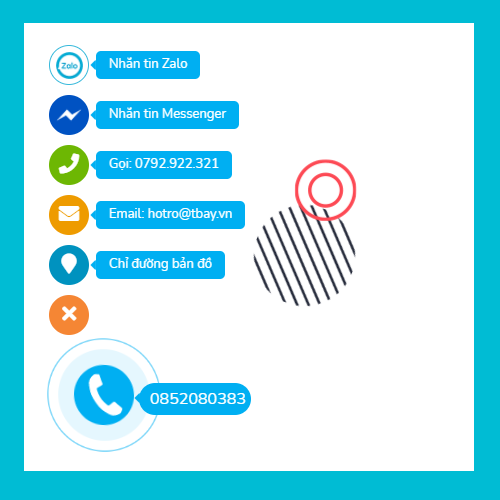
All-in-one contact buttons - WPSHARE247 Pro is a WordPress tool for presenting several contact methods through one button. Its interface includes a hotline icon and a list of contact icons, along with Zalo and Talkto chat boxes.
Choose where the button appears
Set the button position to the left, right, top, or bottom. This determines where the contact entry point sits in the website layout, so account for any fixed components when choosing a position.
Choose contact options and icon order
- A hotline number with a displayed hotline icon
- Zalo contact access and a separate Zalo chat box
- Facebook and Messenger contact access
- Email contact access
- A Talkto chat box
Pro controls let you add, remove, and edit icons, then arrange their order. You can revise the list as the site's contact options change and select which method appears earlier.
Set up the contact interface
- Install the add-on on the WordPress website.
- Set the button position to the left, right, top, or bottom.
- Configure the hotline and the listed contact channels.
- Use Pro controls to add, remove, or edit icons.
- Arrange the icons in the order you want.
- Use the available Zalo and Talkto chat boxes as part of the contact interface.