WordPress plugin
Countix Sales Countdown Timer Pro
Countix Sales Countdown Timer Pro brings product sale clocks, campaign progress bars, and timed checkout offers together for WooCommerce stores. Product clocks can follow a scheduled WooCommerce sale or use a specific sale time set in hours and minutes. Apply options to simple products or variations, or choose products in bulk.
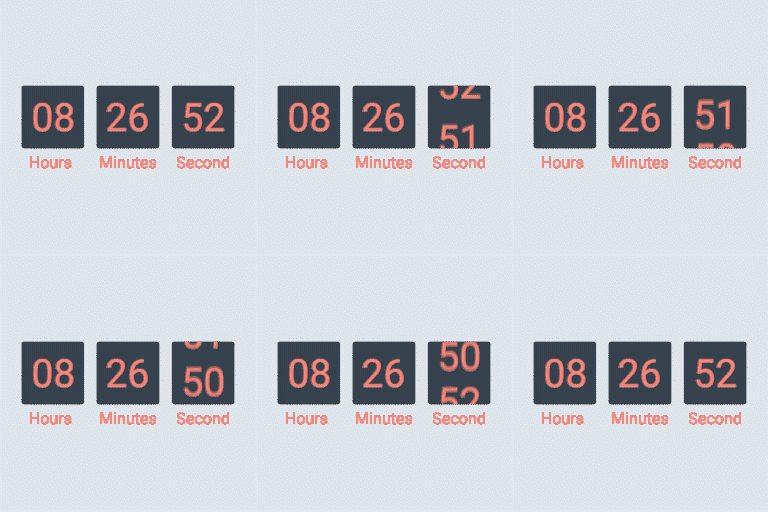
Countix Sales Countdown Timer Pro brings product sale clocks, campaign progress bars, and timed checkout offers together for WooCommerce stores. Product clocks can follow a scheduled WooCommerce sale or use a specific sale time set in hours and minutes. Apply options to simple products or variations, or choose products in bulk.
Product sale clocks and placement
Choose where clocks appear on single product pages and archives, including shop and category pages. Place a clock before or after the product price, sale flash badge, or Add to Cart button, or inside the product picture. You can show or hide it on shop pages, category pages, and related products.
For an upcoming sale, display a customizable message with the time remaining until it begins. A sale-ended message can include the {countdown_timer} shortcode. That shortcode can also display a clock in supported page content. Separate shortcode countdown profiles use a time selected in the add-on settings and can run without WooCommerce. Create multiple profiles, each with its own general and styling settings.
Campaign quantity progress
A sale progress bar can show products available, sold, and remaining. Configure its message with values such as {quantity_left}, {quantity_sold}, {percentage_left}, {percentage_sold}, and {goal}. Choose whether progress increases or decreases, which order statuses count, and whether the bar appears above or below the clock. Set its width, height, colors, and border radius.
Checkout countdown offers
Set a minimum cart total for a customer to receive an offer during the checkout countdown. Offers can include free shipping or a fixed or percentage discount, and can change when the timer reaches specified values. Choose assigned pages for the checkout timer and configure its appearance there. If a cart is not ordered before the countdown ends, set a period after which the checkout countdown resets. The reset mode is available only to administrators for testing.
Timer appearance and setup
Choose the time separator and format, then style the clock with text, background, and border colors, padding, and border radius. Timer items and time values have their own styling options, including typography. To set up a campaign, install and activate the add-on on a WordPress site with WooCommerce, select or create a campaign, then configure its timing, products or page locations, and design. For checkout offers, set the cart minimum, reset behavior, offer rules, assigned pages, and styling.
Each purchase includes six months of support from VillaTheme for Countix Sales Countdown Timer problems.