WordPress plugin
Custom Order Status Manager for WooCommerce Premium
Custom Order Status Manager for WooCommerce Premium lets you make unlimited order statuses, edit existing ones, and remove statuses you no longer use. Give each status a label, icon, or text color, then add a status column to the WooCommerce order list so staff can scan order progress.
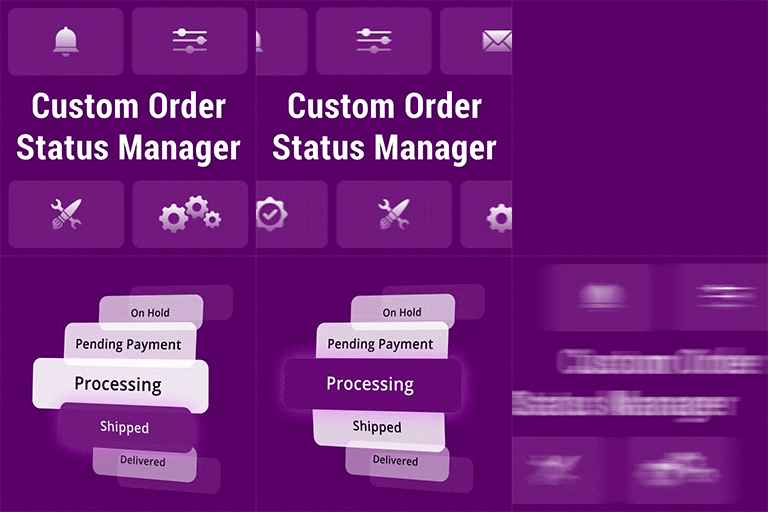
Set up order stages that match your process
Custom Order Status Manager for WooCommerce Premium lets you make unlimited order statuses, edit existing ones, and remove statuses you no longer use. Give each status a label, icon, or text color, then add a status column to the WooCommerce order list so staff can scan order progress.
Use statuses for steps such as internal review, preparation, dispatch, or collection. A made-to-order store might separate production, quality checks, and dispatch; a service business might track orders from receipt through scheduling and completion.
Choose payment defaults and email notifications
Create default statuses for payment methods and assign statuses to default and third-party payment methods. You can also enable email notifications for customers or administrators when a custom status is used.
Premium controls for status changes
Premium adds automatic custom status transitions based on time intervals. It can also show order information in WooCommerce Reports and increase or decrease stock levels according to order status changes.
Create a status and configure its email
- Install and activate the add-on in WordPress.
- Go to WooCommerce > Order Status and choose Add New.
- Enter a status title and a unique slug, then publish it.
- Set the status label, icon, or text color as needed.
To enable an email template for the new status, go to WooCommerce > Settings > Email. Select that status's email template, enable it, and save your changes. Configure payment defaults, notifications, timed transitions, reporting, and stock behavior to suit your store's process.