WordPress plugin
Modern Cart Pro
Modern Cart Pro gives shoppers a side cart, also called a cart drawer or sliding cart, that opens on the current page when they add a product. They can also open it from the floating cart icon. Stores can choose a centered popup cart instead. The default WooCommerce cart page remains available for compatibility.

Choose how the cart opens
Modern Cart Pro gives shoppers a side cart, also called a cart drawer or sliding cart, that opens on the current page when they add a product. They can also open it from the floating cart icon. Stores can choose a centered popup cart instead. The default WooCommerce cart page remains available for compatibility.
When shoppers add or remove products or change quantities, AJAX updates the cart without reloading the page. Totals update as the cart changes, so shoppers can review and manage entries while browsing. When enabled, the floating cart icon stays in the corner of each page and displays a live item count.
Recommendations and cart incentives
Modern Cart Pro can show product recommendations inside the cart, including upsells and cross-sells. Recommendations can also appear when the cart is empty, giving shoppers a route to view products from that state.
A free shipping progress bar shows how close the cart is to the store's free-shipping threshold. A separate rewards bar can show custom milestones, such as a free gift, discount, or another incentive. Both progress indicators update as products are added or removed.
The built-in coupon form lets shoppers enter and apply discount codes in the side cart. Totals update without a page reload. Modern Cart can also work with Power Coupons for WooCommerce for auto-apply and rule-based discounts. Express checkout is included in the Pro edition as another path from the cart.
Presentation and product compatibility
Store controls include advanced color settings, custom icon uploads, and cart width adjustments. The floating icon can be styled to fit the store and gives shoppers a consistent way to reopen the cart.
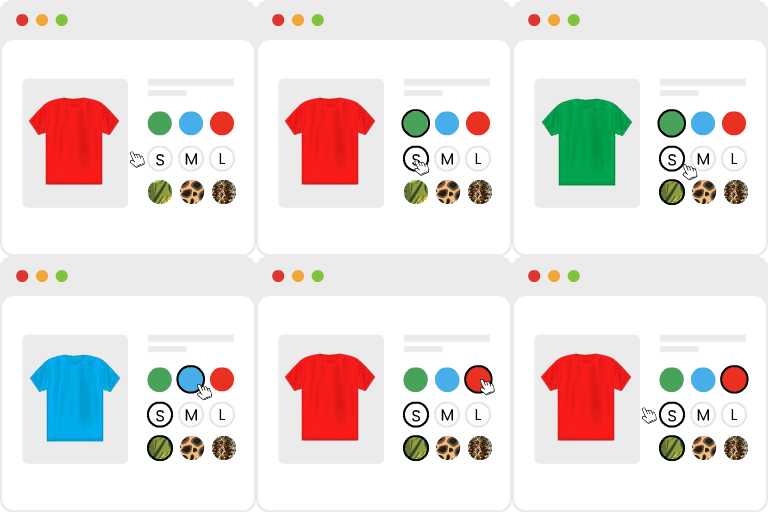
The cart supports simple, variable, grouped, and subscription products. Variable product attributes and subscription details display in the side cart. Compatible themes include Astra, Spectra One, Blocksy, Kadence, GeneratePress, OceanWP, Hello Elementor, Storefront, Bricks Builder, Flatsome, Hestia, and Neve. Listed builder and add-on compatibility includes Elementor, Gutenberg, CartFlows, WooCommerce Subscriptions, and Cart Abandonment Recovery for WooCommerce.
Setup and administration
- Install and activate Modern Cart Pro on a WooCommerce site.
- Choose the side cart drawer or popup cart presentation.
- Enable the floating cart icon if shoppers should be able to open the cart from any page.
- Configure recommendations, coupons, progress bars, express checkout, and visual controls for the store.
- Shoppers can then review and update items while browsing before continuing to checkout.
Upload the extension through the WordPress dashboard, activate it, and configure the cart settings. The admin area delivers changelog and knowledge base information through read-only requests to CartFlows services; the supplied information states that these requests send no user data.