WordPress plugin
PiWeb Advanced Flat rate / Conditional shipping for WooCommerce Pro
PiWeb Advanced Flat rate / Conditional shipping for WooCommerce Pro lets you control when a shipping method is available and how its charge is calculated. Rules can use one condition or combine details about the destination, cart, products, customer, and order. Additional charges support table-rate-style pricing.
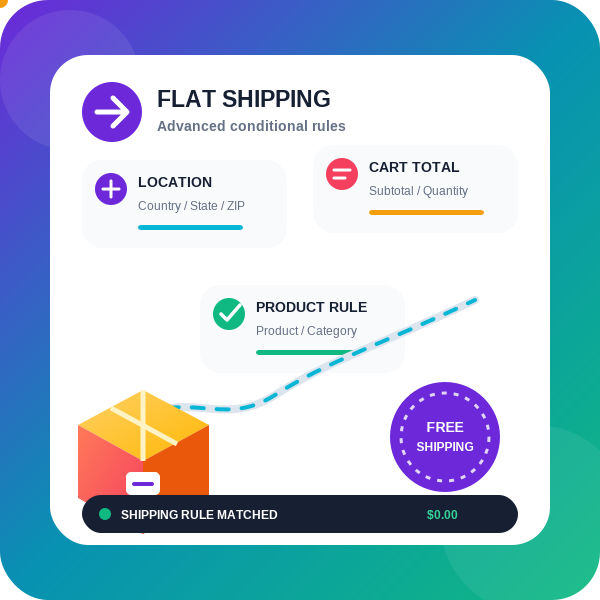
PiWeb Advanced Flat rate / Conditional shipping for WooCommerce Pro lets you control when a shipping method is available and how its charge is calculated. Rules can use one condition or combine details about the destination, cart, products, customer, and order. Additional charges support table-rate-style pricing.
Match shipping methods to checkout conditions
Base conditions include state or county, postcode ranges, city or town, country, product, product category, cart subtotal and quantity, visitor, free-shipping coupons, backorders, and currency. A method can apply to more than one shipping zone.
PRO includes conditions for the customer's shipping zone, cart subtotal after discounts, total product weight, and the maximum product width, height, or length in the cart. The discounted subtotal rule can exclude virtual products. Other rules can check whether a specified coupon is applied, whether the cart contains a subscription product, or whether the customer has an active subscription.
Calculate custom shipping charges
The PRO cost field supports a flat charge per item, a percentage-based cost, or a minimum fee. Use [qty] for the number of products in the cart and [fee] for an additional fee. The fee can take percentage and minimum-fee arguments, allowing a base charge to be combined with per-item or percentage costs.
Split orders into shipping packages
The package manager can divide an order into packages with separate shipping methods or costs. Group products by product, category, shipping class, attributes, price, stock status, or virtual category. For example, fragile and non-fragile products can go in separate packages, each with its own per-item charge.
Group products with virtual categories
Virtual categories create shipping-focused product groups without changing the shop's URL structure. In PRO, you can add products or variations to a group and use it in shipping conditions, separately from the store's regular categories.
Control which methods customers see
PRO can remove all other shipping methods when a particular method applies, remove other methods from this add-on, or remove lower-priority methods from the add-on. An option can show one eligible method based on the highest or lowest shipping charge.
Configure and review your rules
Create shipping methods, then set their conditions, package groups, charges, and method-priority behavior. Check the results with representative carts, destinations, discounts, products, and subscription scenarios before making the methods available to customers.