WordPress plugin
Redirection for CF7 PRO
Redirection for CF7 PRO includes actions that control what happens after a Contact Form 7 form is submitted. Configure them for each form in its Action tab, choosing a process that fits the information submitted and the follow-up needed.
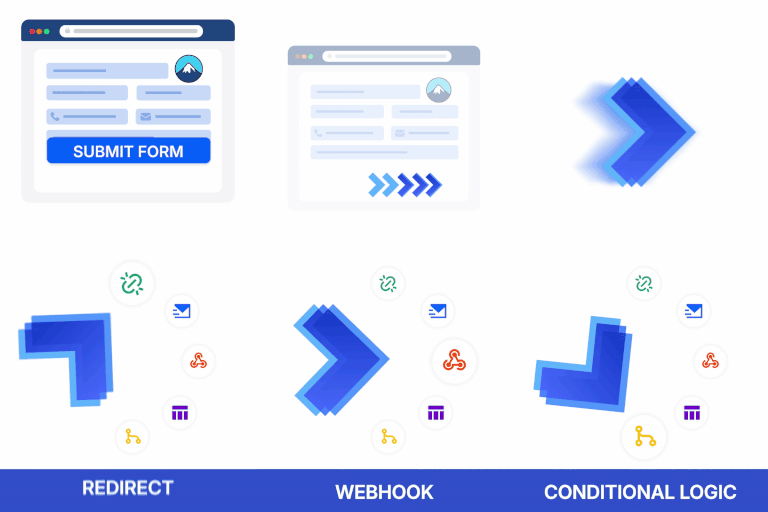
Redirection for CF7 PRO includes actions that control what happens after a Contact Form 7 form is submitted. Configure them for each form in its Action tab, choosing a process that fits the information submitted and the follow-up needed.
Route submissions and manage entries
- Redirect visitors: Send visitors to a page or URL after submission, open the destination in a new tab, and pass submitted fields as URL query parameters.
- Save entries: Store submissions in the WordPress database for later reference.
- Send notifications: Include email notifications in the form workflow.
- Reduce spam: Use honeypot protection without asking visitors to complete an additional challenge.
- Handle data requests: Create requests to export or erase personal data for GDPR-related workflows.
Set conditions for actions
Conditional logic uses If/Or rules based on visitor input to determine which submission actions apply. A donor form, for example, can send people to different thank-you pages based on their answers. Real estate inquiries can direct visitors to a URL relevant to the information they submitted.
After a successful submission, the add-on can also execute JavaScript for tasks such as conversion tracking and analytics. Webhooks connect form workflows to third-party applications using POST, GET, DELETE or PATCH methods, with PARAMS, JSON and XML formats available.
Create documents and connect services
Use submitted form fields to create and send PDFs. Frontend publishing lets users publish posts from the website, which can support visitor-submitted content workflows. A thank-you popup is another option for the post-submission response.
- Register submitted forms with Mailchimp lists.
- Redirect users to PayPal or Stripe for payments.
- Send Contact Form 7 submissions to HubSpot CRM or Salesforce CRM.
- Use Twilio to send SMS messages to users or notifications to your team.
Configure a form
Install and activate Redirection for Contact Form 7, open the settings for the form, select the Action tab and add the required submission actions. The extension requires Contact Form 7 version 4.8 or later. Test the full submission path, including redirects, notifications, connected services and generated documents.