WordPress plugin
TH Variation Swatches Builder Premium
TH Variation Swatches Builder Premium replaces standard WooCommerce variation controls with visual choices for product attributes. Shoppers can choose colours, designs, sizes, and other settings using swatches instead of relying only on dropdown fields.
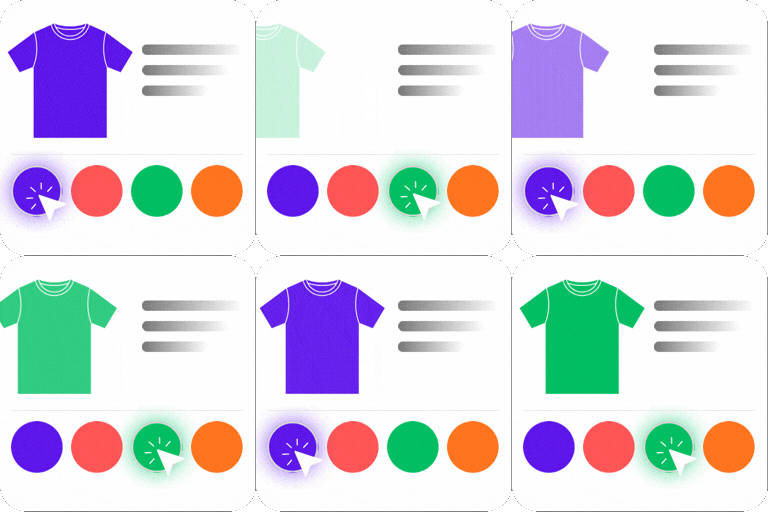
TH Variation Swatches Builder Premium replaces standard WooCommerce variation controls with visual choices for product attributes. Shoppers can choose colours, designs, sizes, and other settings using swatches instead of relying only on dropdown fields.
Choose a swatch for each attribute
- Colour: Display colour attributes as colour swatches.
- Image: Use product or attribute images to represent variation choices.
- Button: Present attribute options as buttons with styling controls.
Supported swatches can use rounded or square shapes. The interface is responsive across devices.
Set labels and option behaviour
Display options let you show the attribute title and name, along with a separator. Attribute behaviour can be configured to blur or hide options.
Premium options and display locations
The premium capability set includes variation tooltips, tooltip styling, image tooltip options, highlighted attributes, and stock availability tooltips. Stock details give shoppers context about option availability as they review product choices. Styling options are available for swatches, including additional controls for buttons.
Swatches can appear on individual product pages, shop page products, archive pages, and quick view displays. Swatch widgets provide another placement option in WooCommerce page sidebars.
Theme compatibility
The add-on is listed as compatible with all ThemeHunk themes and almost all WordPress themes. Named compatible themes include Shop Mania, OceanWP, Jot Shop, Top Store, Big Store, Open Shop, Zita, Royal Shop, Open Mart, Gogo, Almaira Shop, Oneline, Shopline, Storefront, Envo Shop, and Orchid Store.
Install and configure
Upload th-variation-swatches.zip to /wp-content/extensions/, then activate the extension from the Plugins menu in WordPress. Configure the swatch types, shapes, tooltips, styling, display locations, and attribute behaviour for the store. Documentation is available for setup and use.
If a problem occurs, first deactivate the other extensions and check whether it continues. Then check the theme and plugin versions, and test the plugin with a default theme to identify whether the issue relates to the active theme.