WordPress plugin
Timeline Widget Pro for Elementor
Timeline Widget Pro for Elementor helps you organize company histories, achievements, personal journeys, milestones, product roadmaps, and other chronological content in Elementor’s visual editor, without writing code.
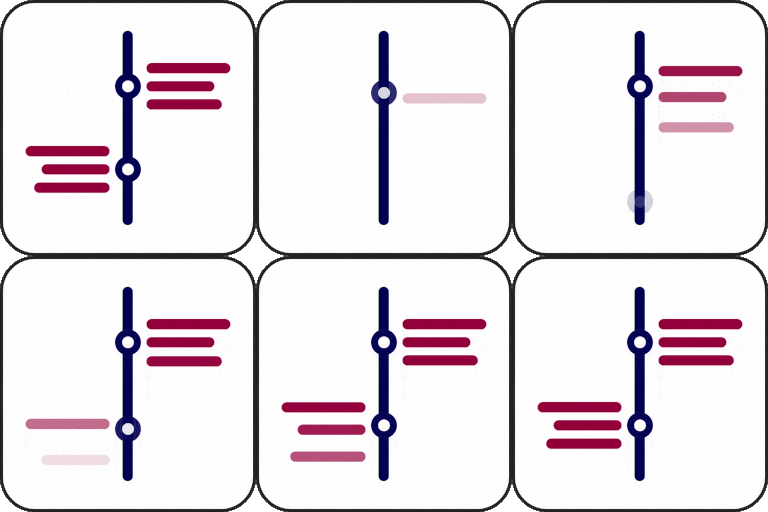
Timeline Widget Pro for Elementor helps you organize company histories, achievements, personal journeys, milestones, product roadmaps, and other chronological content in Elementor’s visual editor, without writing code.
Choose a layout and style stories
Select a vertical, horizontal, or other timeline layout to fit the sequence and page styling. The responsive show supports different screen sizes. Advanced style settings let you adjust text size, fonts, and colors for each story, including its dates, headings, and descriptions.
Add media and extend the timeline
Stories can include pictures, videos, or slideshows to give context to an event, achievement, project stage, or personal experience. For longer timelines, Ajax Load More can load additional stories as visitors scroll down.
Migrate existing stories
If you created stories with Vertical Timeline Widget for Elementor, the Pro edition supports migrating them without data loss. You can then use the expanded layout, styling, and media settings.
Set up the widget in Elementor
Add Timeline Widget Pro for Elementor to WordPress, open an Elementor page or template, insert the widget, select a layout, add stories, and configure their style and media. If you are upgrading existing timeline content, migrate the stories before refining their Pro presentation. The widget works with the free version of Elementor and is compatible with all WordPress themes.