WordPress plugin
Timeline Widget Pro
Timeline Widget Pro is a paid Elementor widget for presenting stories and other chronological content. Its layout determines how users follow entries, while labels, markers, styling, and media add context to each one.
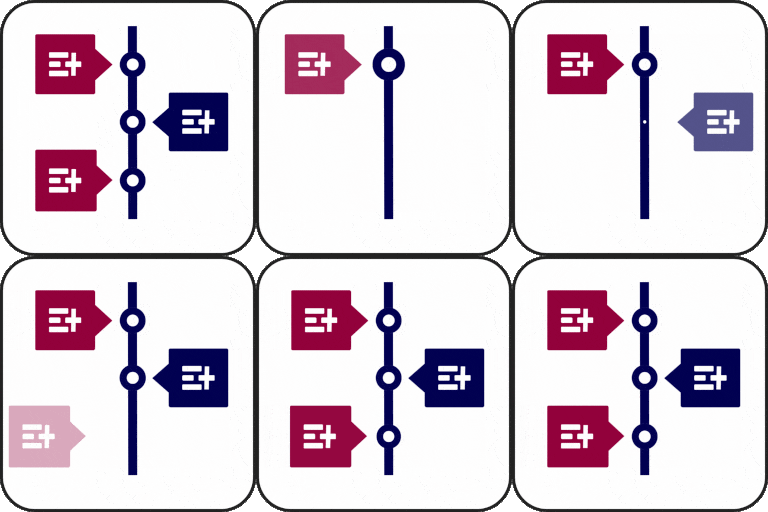
Timeline Widget Pro is a paid Elementor widget for presenting stories and other chronological content. Its layout determines how users follow entries, while labels, markers, styling, and media add context to each one.
Choose how entries flow
Arrange a timeline vertically, horizontally, or on one side of the page. Presets such as elegant, minimal, and classic offer starting styles. Advanced options let you adjust typography, colors, spacing, backgrounds, and borders, then align text and media left, right, or center.
Give each entry context
Create custom stories labeled with dates, years, event names, or step numbers. Markers can use Font Awesome icons, custom text, or images. You can assign different colors to individual stories, add images, videos, or slideshows, and use a post timeline to show blog posts chronologically.
These options can present company milestones, project roadmaps, product stages, work experience, event schedules, tutorials, or personal journeys.
Set motion and loading
Choose from more than 15 animation effects, including fade-in, flip-up, and zoom. For longer timelines, Ajax Load More can load additional stories as users scroll.
Add the widget in Elementor
- Install and activate Elementor and the paid timeline add-on.
- Open a page in Elementor and place the timeline widget where you want it.
- Choose a layout or preset, then add stories and configure their labels, markers, styling, animation, and media.
- Preview the timeline across screen sizes, then publish the page.
The widget is described as responsive and compatible with WordPress themes.