WordPress plugin
YITH WooCommerce Ajax Product Filter Premium
YITH WooCommerce Ajax Product Filter Premium helps shoppers narrow a WooCommerce catalog using product details such as categories, tags, attributes, price, reviews, sale status, and stock. Presets connect a set of filters to the shop page where shoppers need them.
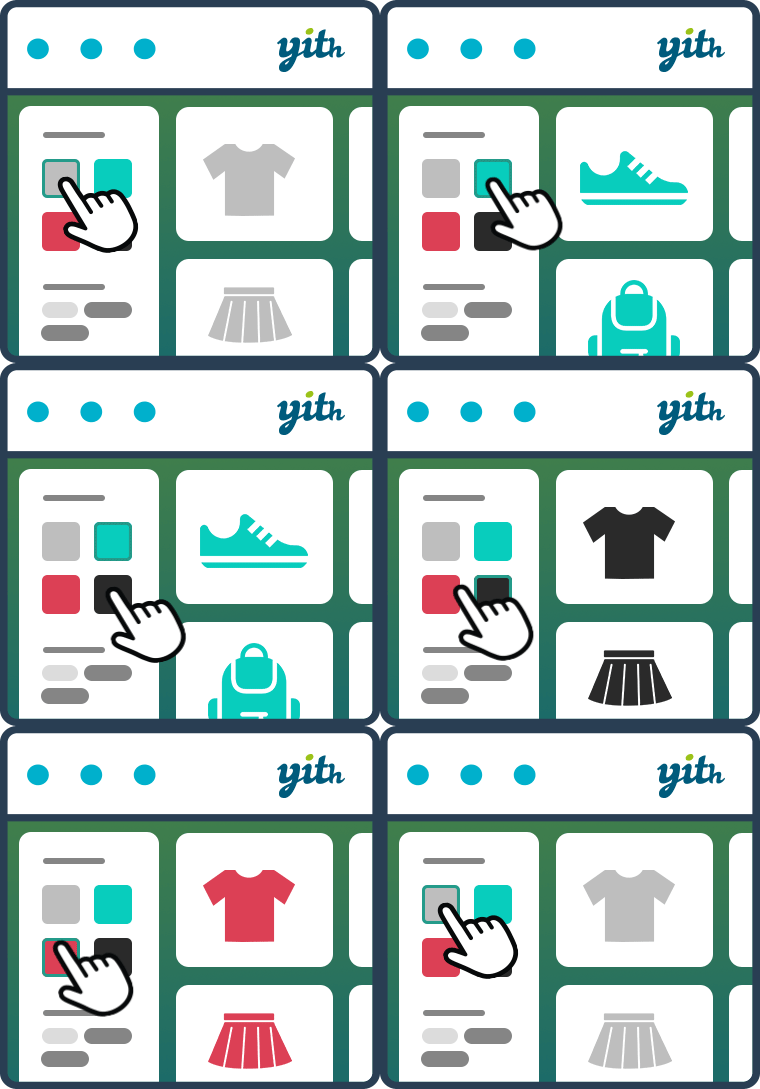
YITH WooCommerce Ajax Product Filter Premium helps shoppers narrow a WooCommerce catalog using product details such as categories, tags, attributes, price, reviews, sale status, and stock. Presets connect a set of filters to the shop page where shoppers need them.
Presets and page placement
Create unlimited presets for the shop, product categories, or custom pages built with Gutenberg or Elementor. Display a preset with a widget, shortcode, Gutenberg block, or Elementor widget.
Filter settings and layouts
Build filters from categories, tags, product taxonomies, and attributes such as size, color, material, or brand. Present terms as checkboxes, selects, text fields, color swatches, or labels and images. Premium color filters support bicolor and image layouts; you can also upload icons, photos, or images to represent terms such as patterns and textures.
Choose the term order and whether to show term hierarchies. Shoppers can choose multiple terms using AND or OR logic. Adaptive filtering can hide unavailable terms or keep them visible but not clickable. You can also show or hide entry counts, set filters to open or collapse as toggles, and add hover tooltips.
Results and matching products
Filter by price with a slider or price ranges, including unlimited ranges and a final range for a specified amount and above. Other options include reviews, products on sale, and in-stock products. You can automatically hide empty terms and out-of-stock products.
For variable products, require at least one variation to match the current selection before the product appears in filtered results. The product image can then change to the matching variation. The add-on is compatible with the YITH WooCommerce Brands Add-on plugin.
Update results instantly with AJAX or let shoppers select filters and apply them with a button without AJAX. AJAX sorting can order products by rating, price, popularity, or latest products. Results can appear on the current page or a new page, and a custom loader can appear during updates.
Mobile display and filtered URLs
On smartphones and tablets, filters can open in a modal window. Choose where the reset button and active filters appear: above the products, above the filters, or below the filters. Active filters can include an X control so shoppers can remove them.
Permalink settings let you keep URLs unchanged, add selected filter terms, or use a shorter custom permalink. An SEO setting lets you enable or disable indexing of generated filter URLs in search engines.
Setup and sidebar conversion
Install the Premium plugin on your WordPress site and activate it from the Plugins page. Configure presets for the relevant pages, select their filter types and behavior, then add each preset with a widget, shortcode, Gutenberg block, or Elementor widget. If you already use the plugin's sidebar widgets, an automatic conversion tool can create presets from the existing sidebar configuration.