WordPress plugin
YITH WooCommerce Ajax Search Premium
YITH WooCommerce Ajax Search Premium includes instant suggestions to a WooCommerce shop. WooCommerce must be installed and active for the search extension to work.
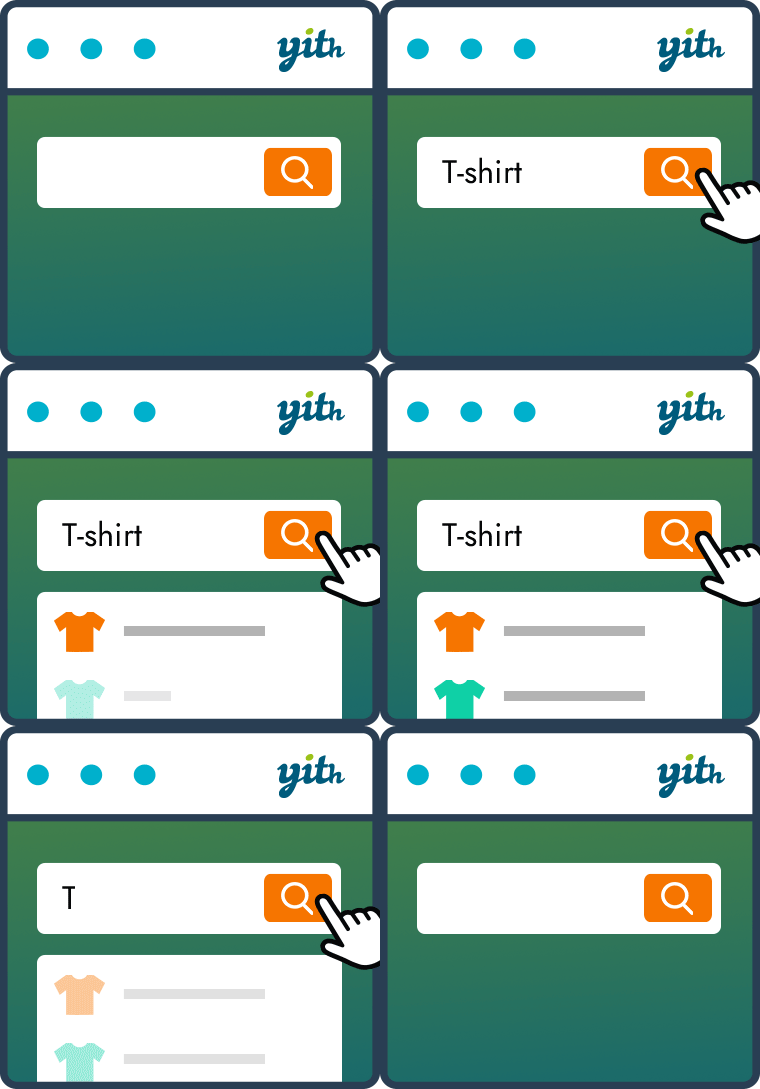
YITH WooCommerce Ajax Search Premium includes instant suggestions to a WooCommerce shop. WooCommerce must be installed and active for the search extension to work.
Set up and place the search form
Install and activate WooCommerce first. Then unzip the search add-on, upload its folder to your WordPress site, and activate it from the Plugins page. Add the form where it fits your store using the Gutenberg block or shortcode. Set its size, placeholder text, colors, Submit button style, and the number of characters a shopper must enter before instant search starts.
Choose what search can match
Search product names and main or short descriptions, then extend matching to product SKUs, categories, tags, attributes, and custom fields. You can include posts or pages to suggest related content. Synonym sets connect various search terms, while typo tolerance can help return results when a query contains a typing error. Related category links give shoppers another route into the catalog.
Configure the results display
Choose a list or grid layout, set the maximum number of results, and decide whether to display a link to all results. You can hide out-of-stock products and choose which details appear, including price, SKU, stock, categories, the Add to cart button, and short descriptions. Set a maximum description length to keep the results panel concise.
Badges can mark discounted, featured, or out-of-stock products, and their colors are customizable. A full-screen overlay is also available. These display settings let you adapt the search panel to your shop’s layout and mobile screens.
Guide searches and review activity
Suggestions can show popular searches or specific keywords, and the form can display a shopper’s recent search history. Boost settings let you prioritize selected products, categories, or tags in search results. The statistics panel tracks popular searches, most-clicked products, and searches that return no results, giving you information to use when reviewing product coverage and search wording.
Check the store setup
After configuring the form and its search fields, test it in your store and check how it appears with your theme. Compatibility is generally expected with themes developed according to WordPress and WooCommerce guidelines. YITH themes are continually updated and tested with YITH extensions.