WordPress plugin
YITH WooCommerce Wishlist Premium
For a WooCommerce shop, YITH WooCommerce Wishlist Premium lets shoppers save products and return to them when they are ready to buy. They can share wishlists with friends or relatives for occasions such as birthdays and Christmas, or post them on social networks.
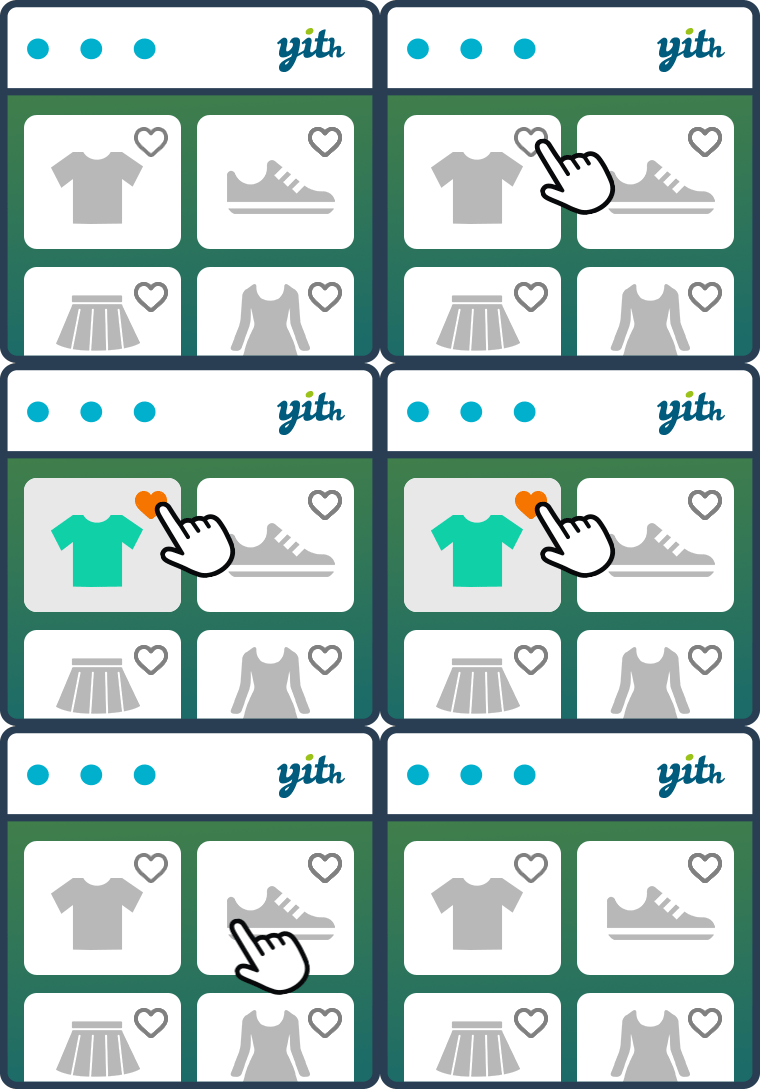
Save products for later
For a WooCommerce shop, YITH WooCommerce Wishlist Premium lets shoppers save products and return to them when they are ready to buy. They can share wishlists with friends or relatives for occasions such as birthdays and Christmas, or post them on social networks.
Organize and share each list
Users can make as many wishlists as they want, then rename or delete lists and add or remove products. They can search for and view registered wishlists. Each list can be public, private to its owner, or shared only with selected people.
- Adjust the quantity of an item.
- Move an item to another wishlist from the wishlist table.
- Drag and drop products to arrange their order.
Product variations are supported, so a selected color or size can be saved with the product. The wishlist table can display product price variations in an Amazon-style presentation and include multiple Add to Cart buttons.
Review customer interest and receive requests
Store administrators can view wishlists created by logged-in customers and see a list of popular products added to wishlists. They can send promotional emails to visitors who have added a specific product.
An Ask for an estimate button lets customers send their wishlist contents to the administrator to request a quotation. Optional notes can be enabled for these requests.
Configure access and display
Wishlist capabilities can be enabled or disabled for users who are not logged in. If they are unavailable to those visitors, the store can show a notice inviting them to log in.
Choose the page used for the wishlist, set where the Add to wishlist shortcode appears, and configure the wishlist table columns. The Add to wishlist button can also appear on the shop page, and the Remove from wishlist button can appear when a product is already saved. Modern layouts are available for the wishlist page and tables, and widgets help customers find their lists.