WordPress plugin
Cool Timeline Pro
When a company history, product roadmap, event plan, or personal story needs a clear sequence, Cool Timeline Pro turns its milestones into a WordPress timeline. You can also use it for blog posts, startup journeys, real estate development, or sports achievements. Separate timelines can organize various subjects on the same website.
When a company history, product roadmap, event plan, or personal story needs a clear sequence, Cool Timeline Pro turns its milestones into a WordPress timeline. You can also use it for blog posts, startup journeys, real estate development, or sports achievements. Separate timelines can organize various subjects on the same website.
Choose a layout for the story
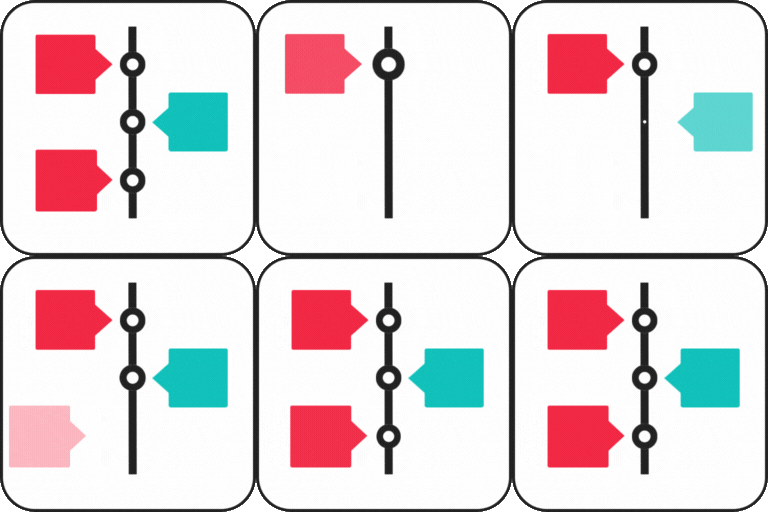
Pro includes four layouts: Vertical Timeline, Vertical Compact Timeline, Vertical One-Side Timeline, and Horizontal Timeline. Each has more than six design styles, including Classic, Modern, and Elegant, with Light, Dark, and Colorful skins.
Set the order and level of detail
Sort stories from oldest to newest or newest to oldest, and select a date format. For process steps or historical periods such as AD and BC, use custom labels in place of dates. Set colors and fonts, align content left, right, or center, and choose whether each story shows a summary or its full description.
Mark stories with dots, icons, or custom pictures, then add animation effects as items appear. Pagination sets how many stories show at a time; Ajax Load More and scrolling navigation help visitors move through longer timelines.
Add media and category filters
Stories can include images, videos, and slideshows. Category filters let visitors sort stories by subject, and a timeline layout can also display blog posts by date.
Place the timeline on a page
Create a timeline with Gutenberg, WPBakery, or the Classic Editor, then use the smart shortcode generator to add it to a page or post. Pro also supports a dedicated Story Timeline element in Bricks Builder. Elementor and Divi visitors can create timelines with additional extensions.
To get started, create timeline stories, choose their layout and display settings, then place the timeline using a supported editor or shortcode. Create additional timelines when you need separate collections of events.