WordPress plugin
Minimum and Maximum Quantity Plugin PRO
Minimum and Maximum Quantity Plugin PRO lets WooCommerce stores define how many entries customers may purchase and which conditions an order must meet before checkout. Apply rules to individual or variable products, categories, customers, user roles, carts, and specific time periods.

Set quantity rules across your shop
Minimum and Maximum Quantity Plugin PRO lets WooCommerce stores define how many entries customers may purchase and which conditions an order must meet before checkout. Apply rules to individual or variable products, categories, customers, user roles, carts, and specific time periods.
Product and category quantities
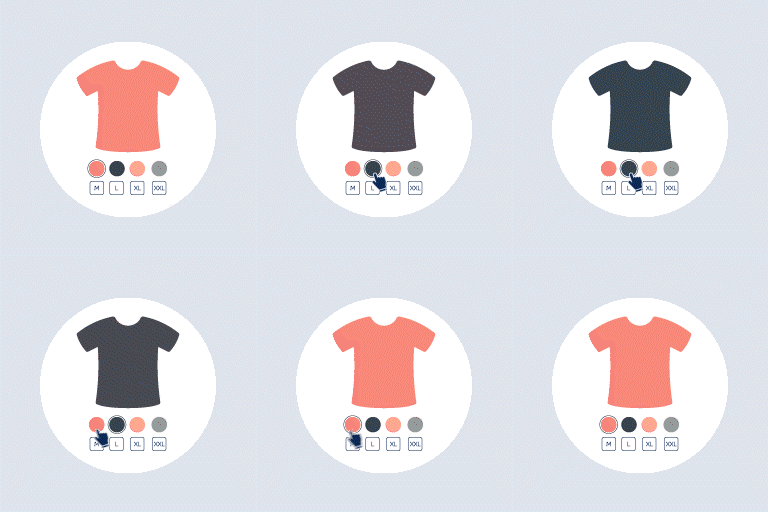
Set minimum and maximum quantities for products or categories. The Pro edition also supports default and step quantities across store products. Customers can select quantities through a radio button, dropdown, or the default input presentation.
Product rules can be conditional on total sales, price, stock, product age, attributes, or best-seller status. Choose whether a rule matches any condition or all conditions when combining requirements.
Customer and cart conditions
Apply quantity rules to an individual customer or a user role. Cart conditions can use shipping methods, shipping zones, and applied coupons. Rules may also depend on the customer's country.
Order requirements and checkout
Set minimum or maximum order values and quantities, along with item-count requirements for checkout. Global cart rules can display custom messages and block checkout when their conditions are not met. You can also hide the checkout button in that situation and exclude specific products from global checkout rules.
Time periods and rule visibility
Give a quantity rule specific start and end times. Applied rules can appear on product pages with a customizable headline and position. Global rules can appear on the cart page so customers can review requirements before checkout. Validation messages can tell customers when they reach a maximum quantity, while custom messages explain global cart requirements.
Installation and setup
Install and activate the plugin in your WooCommerce store, then create the product, user, cart, and time rules you need. Configure quantity selectors, messages, rule visibility, and checkout behavior before applying the settings to products and customers.